
Top cursor packs - This week
Discover the most-installed cursor packs. Switch between weekly, monthly, and all-time rankings and open any pack to install it in seconds.
Top 3 packs
- 1
 Oreo Pink CursorsUpgrade your interface with Oreo Spark Pink Cursors. Enjoy playful, custom designs that add sparkle to any digital space.
 - 2
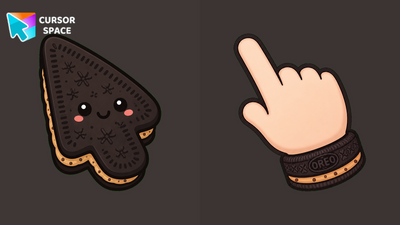 Oreo Choco Chip CursorsOreo Choco Chip Cursors on Cursor Space - cookie-dough cream arrow and chocolate-chip pointer cuff.
 - 3
 Oreo blue cursorsDiscover Oreo Blue custom cursors to add a playful touch to your desktop. Free, easy to install, and perfect for Windows!
Full leaderboard
Rankings are based on installs for the selected period. Open any pack to view previews, details, and install instructions.
- 3
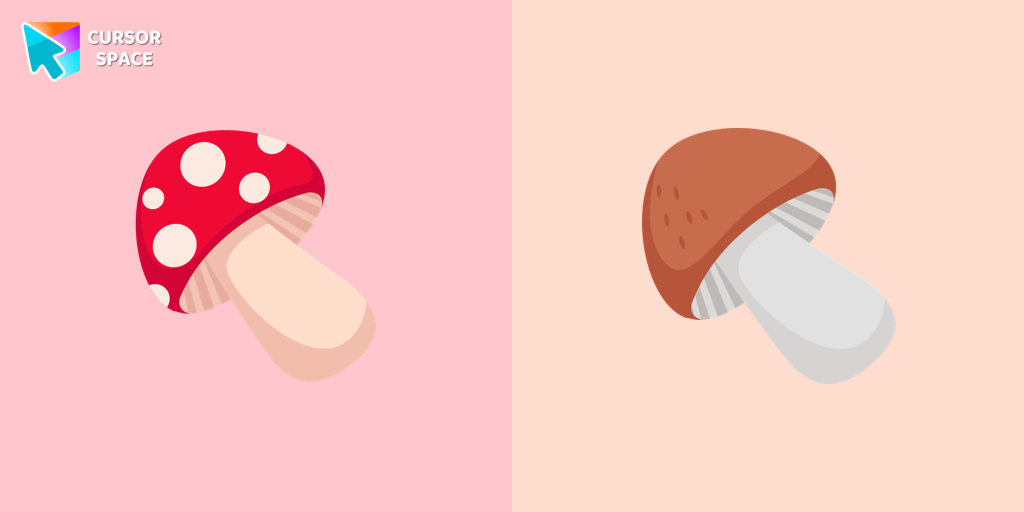 Mushrooms cursorHere is a cute mushroom cursor for the mouse. Make your browsing more individual with The cutest custom cursors collection for the mouse and pointers. Mushroom custom cursor in your browser.
 - 4
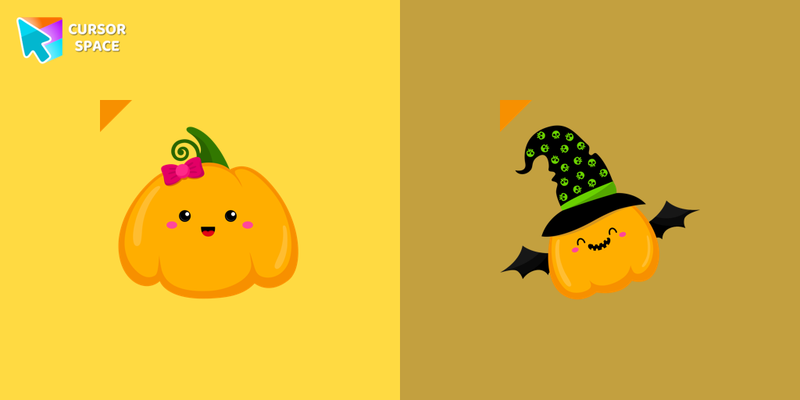 Cute Pumpkin cursorCustom cursor with the cute pumpkin that was created especially for the Halloween event. A cute pumpkin cursor will change the usual cursor for the mouse to a cute one.
How the Top Packs ranking works
Rankings count successful Add to extension installs. Weekly and monthly lists use the last 7 and 30 days. All-time uses the full install total.
Weekly
Fresh momentum and newly popular packs.
Monthly
More stable list with fewer short spikes.
All-time
Classic favorites with the biggest install counts.
FAQ
Quick answers to common questions about cursor packs, collections, and installation.
How do I install a top-ranked cursor pack?
Open a pack from the leaderboard, click the install or add button, and follow the prompts. If needed, install the Cursor Space browser extension, then apply the pack.
Why do rankings change?
Weekly and monthly lists update as packs gain installs. All-time rankings change more slowly as total install counts accumulate.